I can help with WordPress installation, basic setup, theme, plugins, security, SMTP, HTTPS, and preparing a test version of the website.
I can first prepare WordPress on my server and test domain, where you can try it out calmly. Only after approval will the website be moved to your hosting and domain.
I will install WordPress, set up the administration, language, users, basic configuration, and prepare the website for further edits.
WordPress can be prepared for Bricks Builder, Elementor, BeTheme, or another solution depending on the type of website and requirements.
Setup of HTTPS, basic security, cache, permalinks, plugins, SMTP, backups, and the technical foundations of the website.
I can prepare WordPress on my server and test domain, where you can try it before launch.
Uploading WordPress, creating the database, basic configuration, and preparing the administration.
DNS, HTTPS, redirects, basic URL structure, and correct technical connection of the website.
Preparation of Bricks Builder, Elementor, BeTheme, or another solution depending on the type of website.
Installation and setup of necessary plugins without unnecessarily slowing down the website.
Setup of email sending, forms, SMTP, and basic message deliverability.
Permalinks, title, description, sitemap, robots.txt, indexing, and basic technical SEO.
Basic administration protection, security settings, updates, and reducing unnecessary risks.
Basic cache setup, optimization of images, scripts, and performance according to the specific website.
After completion, the website can be moved from the test server to the final domain and hosting.
WordPress installation is not just about uploading the system to hosting. Technical setup, website migration, emails, plugins, security, or issues after updates often need to be handled.
WordPress installation on Wedos, Webglobe, Forpsi, Active24, Hostinger, or your own VPS server.
Setup of SMTP, forms, and message delivery from WordPress.
Migration of WordPress to new hosting, domain, or server.
SSL certificate, redirects, DNS records, and technical domain setup.
Cache, optimization of plugins, images, and basic WordPress speed improvement.
Fixing issues after updating plugins, themes, or WordPress itself.
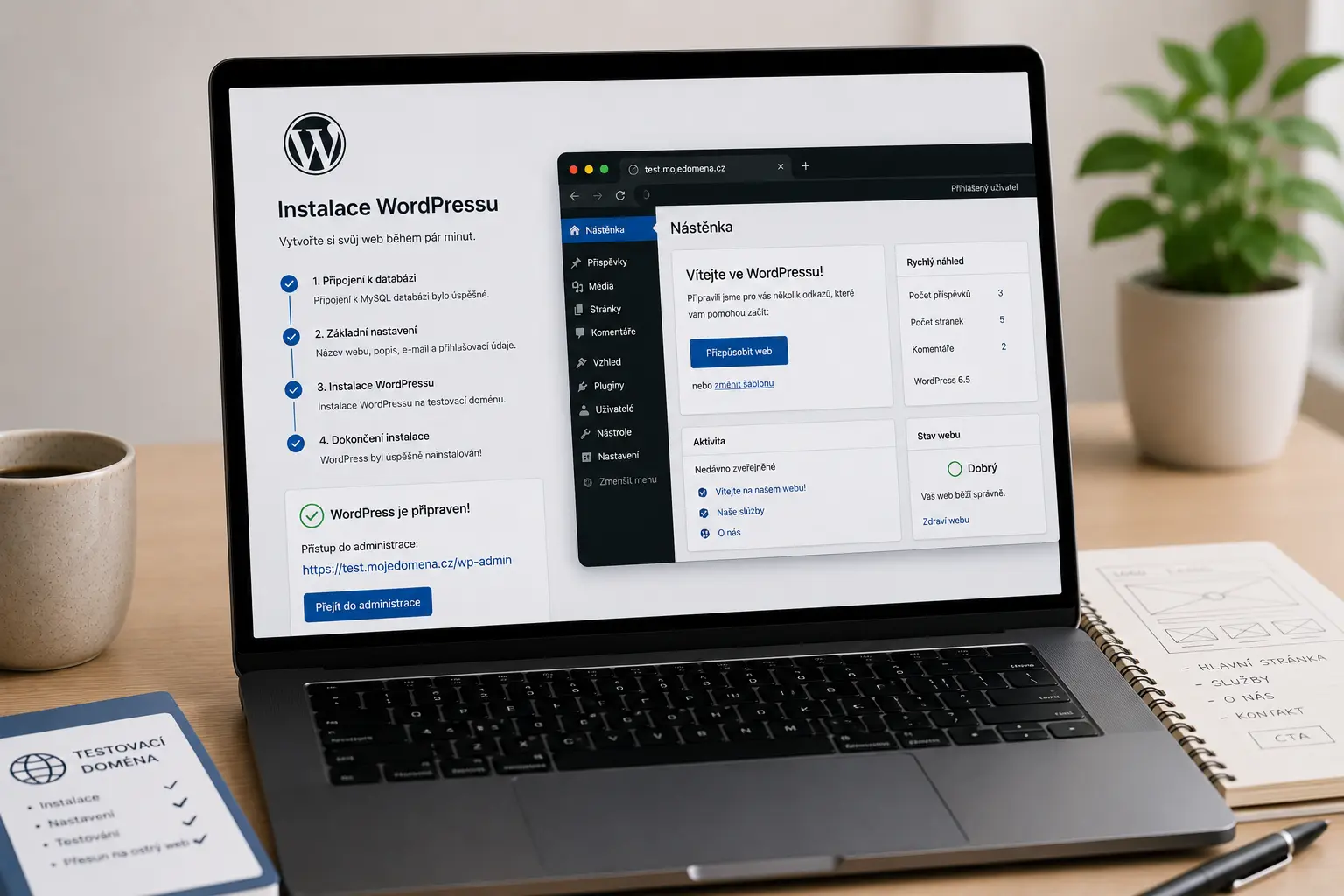
If you do not want to touch the live website yet, I can prepare WordPress on my server and test domain. The website is set up, edited, tested there, and only after approval moved to your domain.
This approach is especially suitable when the website is just being created, or when you first want to prepare a new version without risking breaking the current website.
WordPress can be used for business websites, personal presentations, portfolios, blogs, landing pages, booking systems, membership sections, or smaller e-shops.
Depending on the project type, WordPress can be prepared with Bricks Builder, Elementor, or a custom solution without unnecessarily overloaded plugins.
Preparation of the builder and basic website structure.
Option to prepare the website so it can be easily edited without touching the code.
Yoast SEO, Rank Math, or basic technical SEO setup for WordPress.
Administration security, updates, and automatic WordPress backups.
If you already have WordPress, I can help with website repair, edits, moving to new hosting, security, speed optimization, or long-term management.
Ideally a domain, hosting, and a basic idea of the website. If you do not have a domain or hosting yet, they can be selected and set up during preparation.
Yes. WordPress can be prepared on a test domain where you can try the administration and basic website functionality.
Yes. SMTP setup, contact forms, and basic email deliverability from the website can be included.
Yes. After completion and approval, the website can be moved to the client’s final hosting and domain.
Tell me whether you already have a domain, hosting, email, and what WordPress should be able to do.