A multilingual website is not just a language switcher. To work properly for users and search engines, it needs well-structured URLs, content translations, meta tags, forms, emails, sitemap, canonical tags, and hreflang.
I can help create a new multilingual website or adjust an existing one so each language version makes sense technically, content-wise, and from an SEO perspective.
Each language can have its own translated URL, headings, texts, buttons, forms, validation messages, emails, and system messages.
Title, description, OG tags, canonical URL, and sharing texts must be prepared separately for each language version.
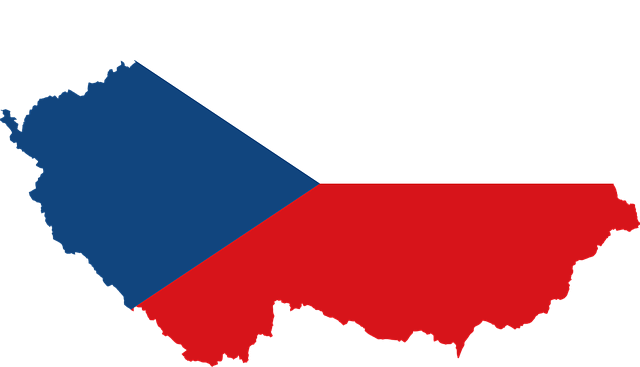
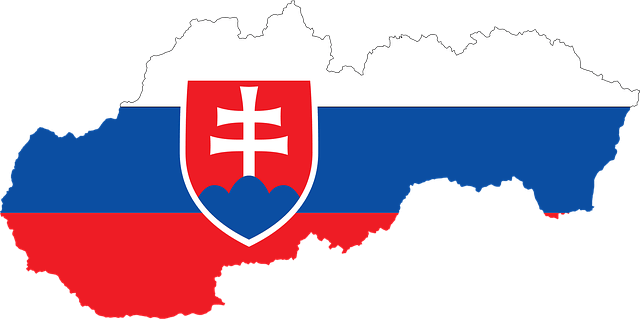
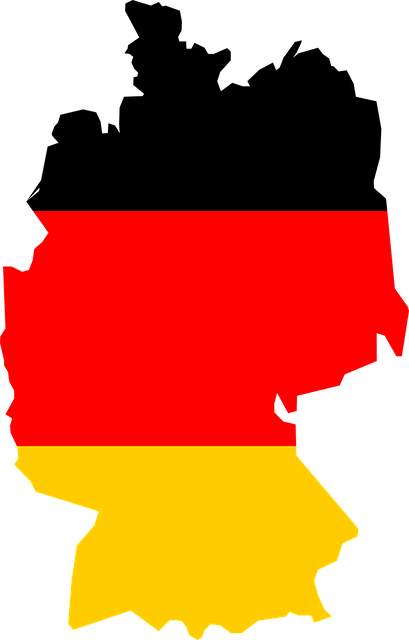
Correct language links help Google understand which page is the Czech, Slovak, English, or German version of the same content.
The correct language URLs are added to the sitemap and indexing is set up so the right language versions appear in search results.
Czech, Slovak, English, German, or other languages based on target markets and project needs.
For example, a Czech URL for the Czech page, an English URL for the English version, and a German URL for the German version.
Setting links between language versions so search engines correctly recognize alternative versions of the page.
Separate title, description, og:title, og:description, and other data for each language version.
Translations of fields, buttons, error messages, confirmation messages, and emails after form submission.
Clear switching between language versions so the user stays on the corresponding page in another language.
Language pages are correctly added to the sitemap so Google can easily find and process them.
Texts in navigation, footer, buttons, modals, cookie banner, or administration.
Each language version can target different keywords, a different market, and a different way of searching.
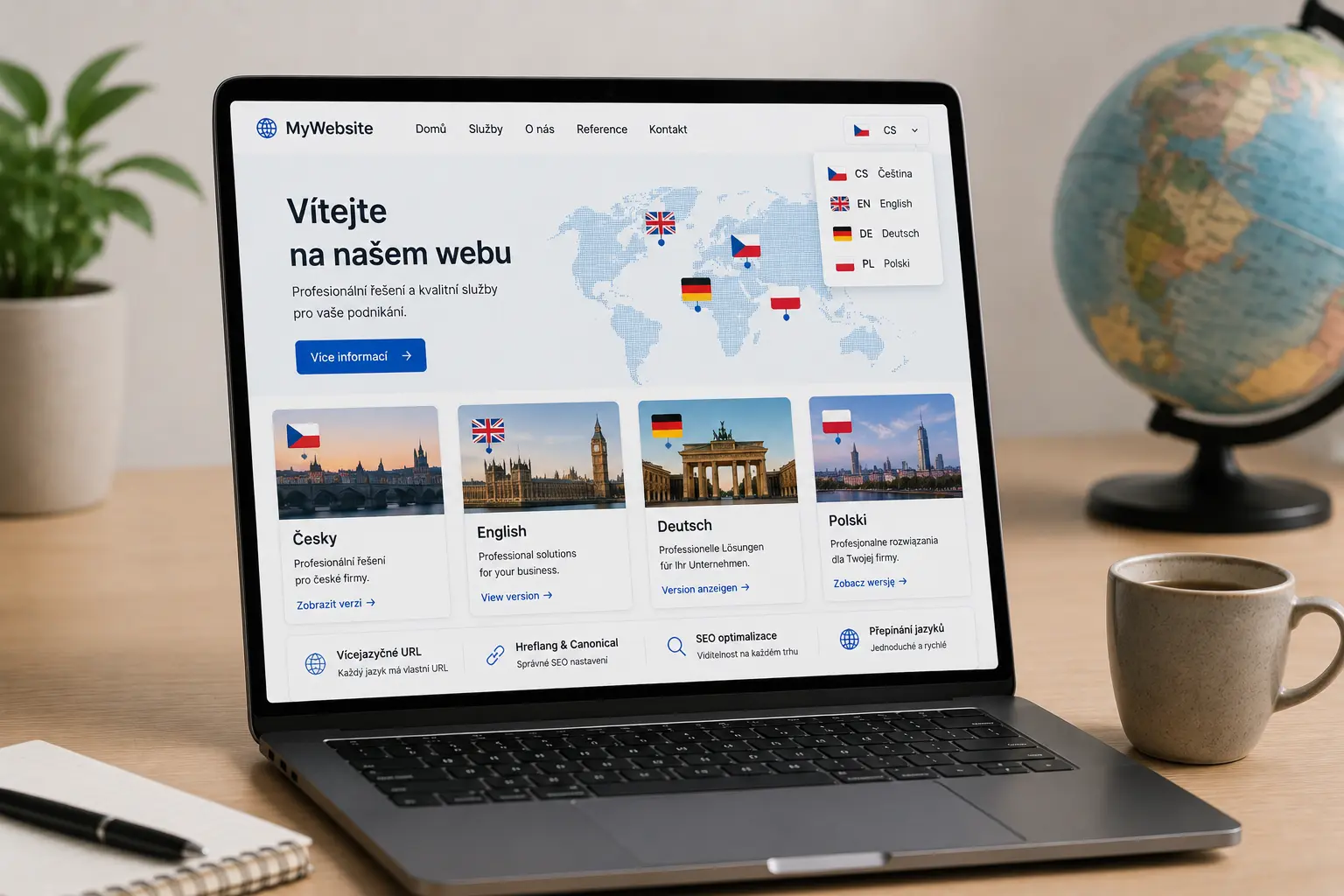
Illustrative image created by AI.
For a multilingual website, it is important that Google and users see the correct language version. Translating the text alone is not enough. URLs, language links, canonical tags, meta tags, sitemap, and language switching must be set up correctly.
A multilingual website can be created as a new project, or an existing website can be adjusted. In Laravel, the entire language system can be built exactly according to project needs. In WordPress, it depends on the chosen solution and the quality of the translation used.
Automatic translation can translate text, but it often does not handle URLs, meta tags, forms, emails, sitemap, hreflang, or SEO for individual language versions.
Hreflang tells search engines which language versions of a page exist. It helps show the Czech version to Czech users, the English version to English users, and the German version to German users.
Yes. Translated URLs are clearer for users and make more sense for SEO. For example, a Czech page can have a Czech slug and an English page can have an English slug.
Napište mi, jaké jazyky potřebujete a jestli jde o nový web nebo úpravu existujícího webu.
Before starting a website project, it is useful to have clarity about materials, WordPress, cookies and tracking.
Examples of real reviews that clients left on my Google profile.
Go to Reviews★ ★ ★ ★ ★„Člověk, který své práci a rozumí a ví co dělá. Velmi rychlá komunikace a profesionální přístup. Doporučuji.“
★ ★ ★ ★ ★„Skvělá spolupráce, při dalších projektech určitě nebudu shánět někoho jiného.“
★ ★ ★ ★ ★„S panem Vančurou jsem spolupracovala na tvorbě mých webových stránek a jsem maximálně spokojená. Oceňuji profesionální přístup, rychlou komunikaci a schopnost přesně pochopit moje představy. Web je moderní, přehledný, funkční a skvěle vypadá i na mobilu. Celý proces proběhl hladce, s jasným vysvětlením jednotlivých kroků a výborným výsledkem. Určitě doporučuji každému, kdo hledá spolehlivý a kvalitní přístup.“
★ ★ ★ ★ ★„Spolupráce při tvorbě konfigurátoru proběhla naprosto bez problémů. Oceňuji profesionální přístup, rychlou komunikaci a schopnost pochopit specifický projekt od A do Z. Konfigurátor je přehledný, funkční a přesně odpovídá mým požadavkům. Rozhodně doporučuji.“
★ ★ ★ ★ ★„Velmi dobrá a rychlá spolupráce. Doporučuji!“
★ ★ ★ ★ ★„Přesně takto si představujeme profesionální práci. Dekujeme“
★ ★ ★ ★ ★„Ať už se jedná o optimalizaci webu, nebo tvorbu na míru oceňuji kromě profesionální práce a znalostí problematiky také férový přístup a komunikaci.“
★ ★ ★ ★ ★„Děkuji za profesionální spolupráci, vše dle domluvy, naprostá spokojenost a mohu jen vřele doporučit.... Při dalších projektech určitě opět využiji Vašich služeb“
★ ★ ★ ★ ★„Profesionalita a velká ochota, nemohu jinak než doporučit“
★ ★ ★ ★ ★„Skvělá zkušenost při tvorbě webu, profesionální přístup, rychlost, ochota pomoci“
★ ★ ★ ★ ★„Rychlá spolupráce a komunikace – mohu jen doporučit.“
★ ★ ★ ★ ★„Moc mi pomohl, když jsem potřebovala pomoc s webem. A bylo to gratis :)). Jsem mu neskonale vděčná.“
★ ★ ★ ★ ★„Děkuji Jiřímu za rychlou a kvalitní spolupráci na tvorbě webu. Srozumitelná a ochotná komunikace mě vždycky potěší a přináší důvěru.“
★ ★ ★ ★ ★„Jsem maximálně spokojená. Rychlost, ochota a cenově dostupné. Děkuji“
★ ★ ★ ★ ★„Naprostá spokojenost. Rychlá komunikace, skvělá cena a odborná pomoc. Moc děkuji :)“
★ ★ ★ ★ ★„Velká spokojenost, rychlost a p. Vančura moc dobře ví co dělá. :)“
★ ★ ★ ★ ★„dobrá práce, rychlá odezva“
★ ★ ★ ★ ★„S programátory mám zkušeností hodně, ale tady musím opravdu pochválit. Pro mě a mé přátele vytvořil skvělý nástroj na evidenci sbírek a opravdu se to povedlo. Bylo to hotové rychle, kvalitně a za skvělou cenu. Komunikace funguje velmi rychle, což je super a ne úplně standard. Díky za super práci, za mě 100% spokojenost!“
★ ★ ★ ★ ★„Vše bylo rychlé a hlavně to funguje. Dobrá práce.“
★ ★ ★ ★ ★„Normálně recenze nepíši, ale zde rád doporučím kvalitní práci. Jiří pro mě vytvořil web pro dětské tábory. Kvalitní práce, rychlá komunikace a vlastní nápady, které Jiří sám přidá, jsou na velice vysoké úrovni. Nemohu hodnotit jinak než 5/5.“
★ ★ ★ ★ ★„Pan Jiri nam delal jiz 3 webove stranky a vzdy velka spokojenost, je mega rychly a vse hned kladne vyridi, mohu pouze doporucit. Poradi si bez problemu i s rezervacnimi kalendaremi, udrzbou socialnich siti, atd.“